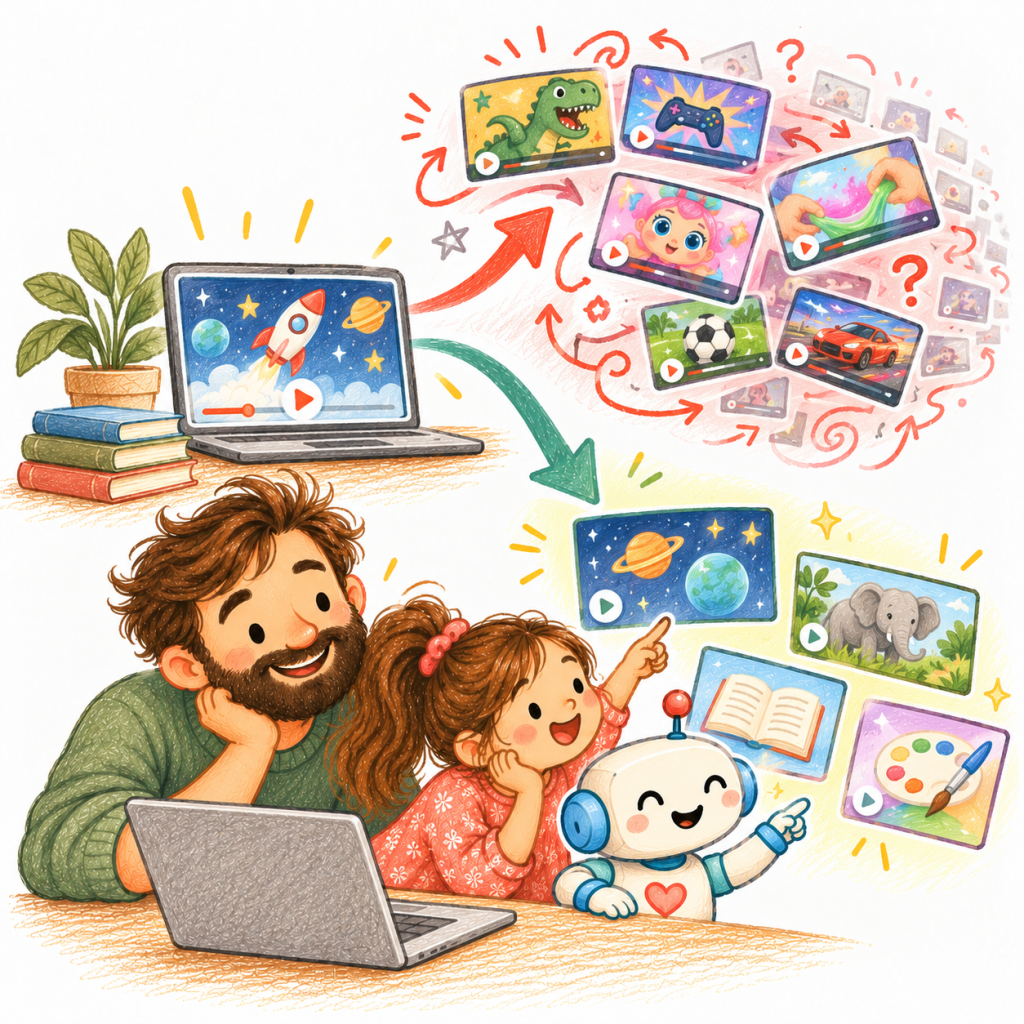
Why I built WonderKidTV instead of blocking useful videos — and what parents can take from the idea.
A child can start with a genuinely useful video about space, drawing or animals. But when that video ends, a new question appears: Who decides what plays next?
That was the friction behind WonderKidTV. I didn’t want to remove YouTube’s useful material. I wanted to keep the parts worth watching without handing the rest of the session to an open stream of recommendations.
Here’s the most useful takeaway, even if you never use my app: before setting another screen-time limit, check what happens when the first video ends. The next choice may matter as much as the number of minutes.
A timer can end a session. It can’t choose the next video.
When parents talk about screen time, minutes are the easiest thing to count. Fifteen minutes of an animal documentary and fifteen minutes of unrelated recommended clips both appear as fifteen minutes.
The difference is not that every educational video is valuable or every entertaining video is bad. It’s that the content, the purpose and the path through it can be very different. A timer tells you how long. It doesn’t tell you where the next click led.
That changed my product question from “How do I block YouTube?” to something more specific: How do I keep useful videos while reducing the drift around them?
Blocking everything would also remove what I wanted to keep
I could have treated the platform as one thing to allow or forbid. But that felt too blunt. There is genuinely interesting learning material there, and I didn’t want to throw it away with the recommendations.
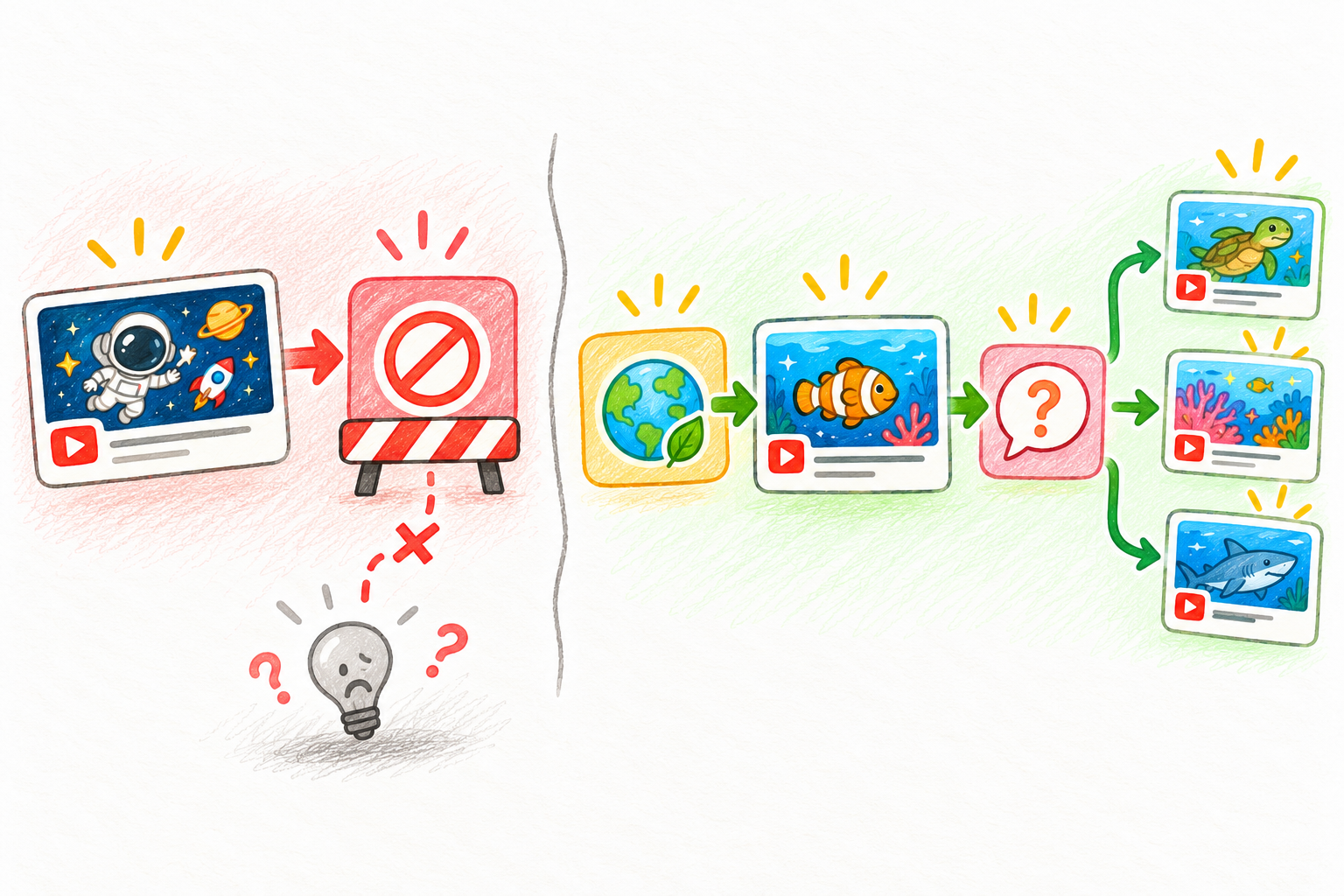
A blanket block and an unrestricted feed are not the only possible choices. The middle option is to choose the sources first, then leave room for exploration within them. The illustration is a conceptual comparison, not a promise that one setting is right for every child.
A smaller library changes who makes the first choice
The core WonderKidTV decision was to start with channels approved by parents. Instead of opening the entire discovery system, a child starts inside a smaller library the family has selected.
There is a trade-off here, and it is worth naming: fewer options also means less freedom. But a smaller starting set can make it easier to understand what is available, review it and change it when a child’s interests grow.
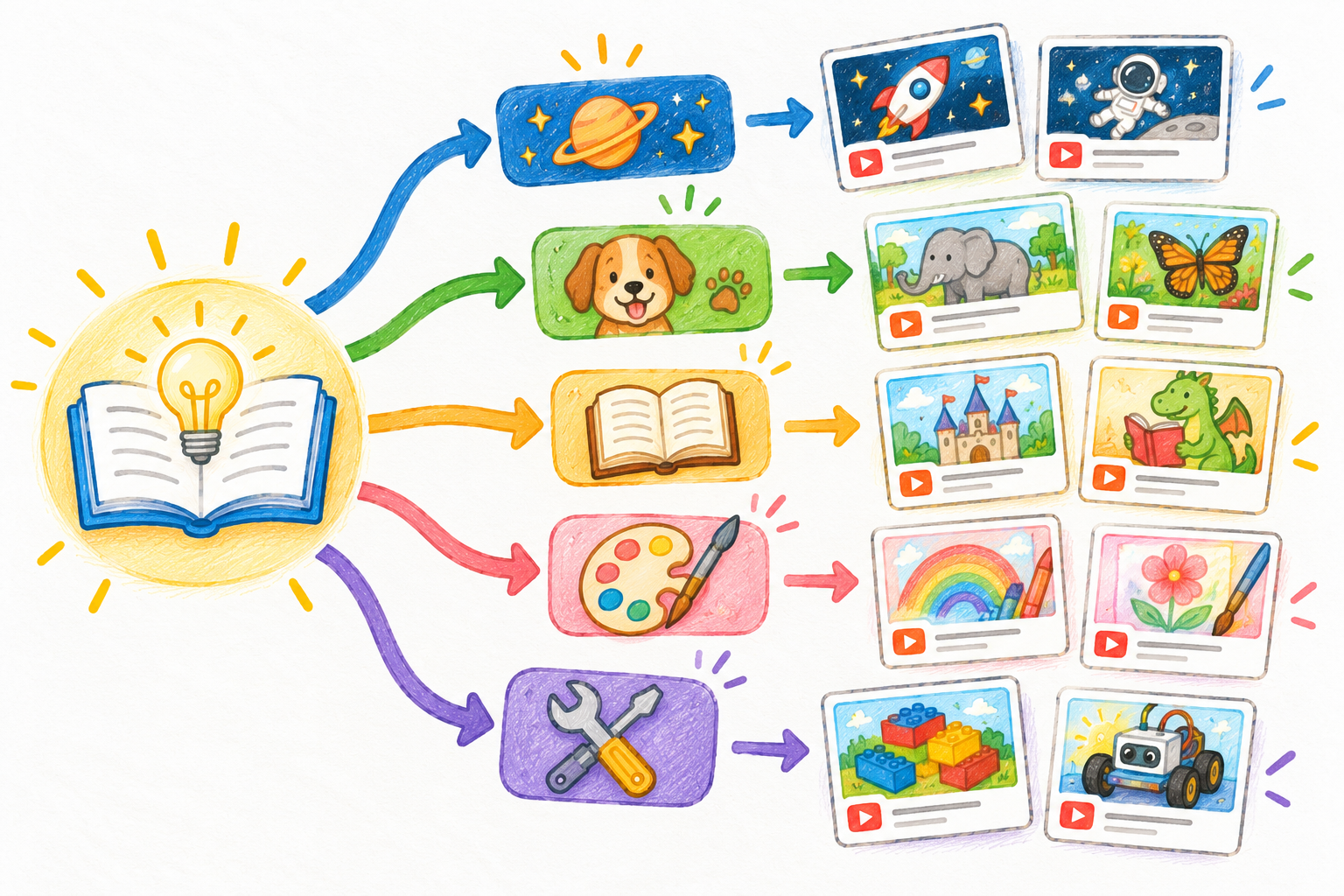
Think of the diagram as a way to organise choices, not a screenshot of the actual app. Space can lead to more space questions; an interest in animals can open several nature topics. Exploration still exists. The difference is that the entry points are deliberate.
And an important limitation: a parent-approved channel is not a safety certificate. Channels can change, and not every video from a familiar creator will be suitable for every child. Parents still need to review sources and revisit their choices. WonderKidTV’s channel guidance makes that distinction explicit.
One household doesn’t need one set of rules
A child who enjoys science and a sibling who prefers making things may need different channel libraries. Their independence, routines and viewing limits may differ too.
That’s why WonderKidTV includes per-child profiles and controls for approved channels, daily watch time and learning settings. The intention isn’t to create the maximum possible number of toggles. It’s to avoid treating every child in a household as though they have exactly the same needs.
The practical version for any family is simple: start small for each child, check the experience from their side, then change one boundary at a time rather than creating a complicated rulebook on day one.
What if a good video ended with one good question?
Even a parent-selected video can become passive watching. A watch history can tell me which video played, but it cannot prove that an idea was understood or remembered.
That is why I added learning goals and questions linked to viewing. The aim is not to turn every video into homework. Sometimes a small interruption can be enough to bring attention back to the idea.

This five-part flow is an optional family activity, not a sequence every WonderKidTV session enforces: watch something interesting, pause, ask a question, draw or try an idea if it feels worthwhile, then choose what comes next.
For a space video, a question could be as simple as, “What surprised you?” It gives a child room to answer in their own words. If no useful conversation follows, forcing a quiz would miss the point.
Watch reports can help a conversation — but cannot grade curiosity
Total minutes give one kind of information. WonderKidTV’s viewing reports add context such as watched videos, channels, topic mix and other activity signals.
That is useful for a different reason than scoring a child’s day. A parent might discover that a child keeps returning to space videos, or that several sessions wandered away from the agreed library. Those are reasons to ask questions or adjust the setup, not proof of learning quality.
The same boundary applies to reporting: visibility should support trust, not turn every minute into surveillance.
The difficult balance is control versus curiosity
Building this kind of product exposed a tension I can’t solve with one more settings screen.
Too much control can make exploration feel like permission-seeking. Too little can recreate the recommendation feed I was trying to change. Too much reporting can make watching feel like performance review.
My working principle is to guide where the options come from, make the boundaries understandable and then leave room for a child to be curious inside them. WonderKidTV is one attempt at that balance, not a guarantee of safe content or better learning outcomes.
Three questions to ask before the next video
Before the next screen-time session, consider three questions:
- Who chooses the video after the first one? Your child, a parent-approved set or an open recommendation feed?
- Where can your child explore independently? Is the available choice broad enough to follow an interest while staying within boundaries you understand?
- What could you ask afterward? Can you have a conversation about one idea without judging the whole session by minutes or quiz scores?
I built WonderKidTV because I wanted a different answer to the first question. The other two are still questions every family has to revisit.
If you’d like to see the approach, explore WonderKidTV and its parent-control documentation. If you’re comparing Google’s built-in options first, read YouTube Kids vs supervised YouTube.


Leave a Reply