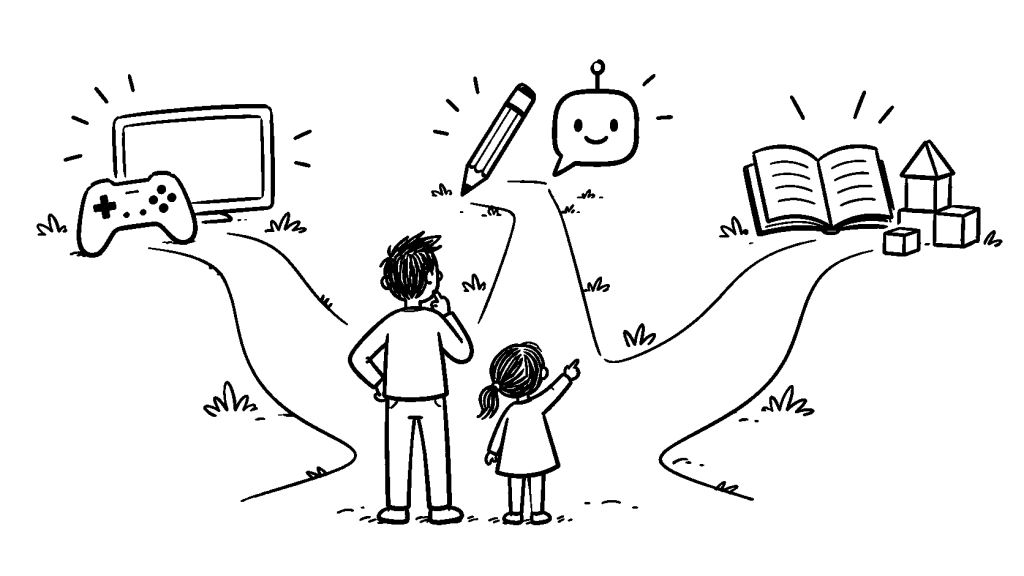
Your child asks for one more video. AI offers to finish the homework. Reading together starts to feel like another task to complete.
These are different parenting problems. They don’t need the same rule—or a parent who knows every new app.
Choose the situation that sounds most familiar. Each path below gives you a useful story and a small question or experiment you can try without turning family life into a project.
Want something you can use immediately? Open the Free Parent Toolkit for illustrated step-by-step playbooks, one-page quick cards, family worksheets and a reading game that needs no app.
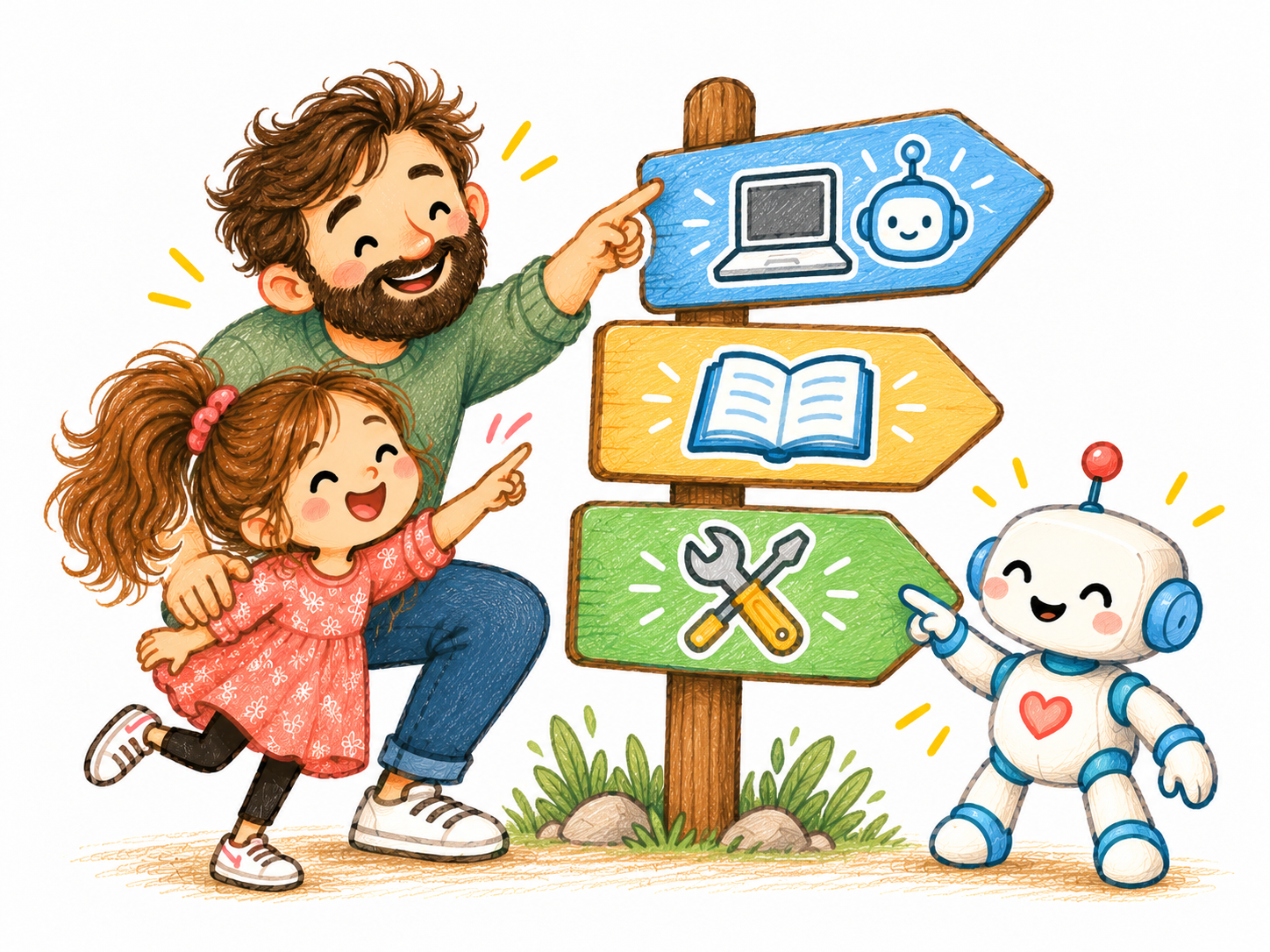
My child loves screens and games. How do I know what’s useful?
A child creating something in a game, watching a science explanation and following an endless video feed can have very different experiences.
The useful questions go beyond how long the screen was on. What was your child doing? Were they creating, exploring, watching or talking to others? How did they feel afterward?
Start with these guides and stories:
Before Roblox: 7 Settings Every Parent Should Check — A practical setup guide with official controls, parent scripts, a one-page card and a six-page illustrated playbook.
The Problem Wasn’t YouTube. It Was What Came Next. — Why I began thinking differently about video recommendations and parental choice.
YouTube Kids vs Supervised YouTube: Which Should Parents Choose? — Compare video libraries, parental controls and a short family test before changing your child’s setup.
Your Child’s Screen Is Not Just Entertaining Them. It Is Teaching Them. — A different way to notice the habits encouraged by digital experiences.
One thing to try: After your child’s next screen activity, ask what they enjoyed most and what they’d choose to do differently next time. Listen before judging.
I’m worried about privacy, AI toys or things my child sees online
A device can look child-friendly and still collect information. A picture can look convincing without being genuine. These situations need more than a screen-time limit: they need a check of what the technology actually does.
An AI Teddy Bear Is Not Just a Toy. It Is an Internet Service in the Toy Box. — What to check before a connected toy enters family life.
A Photo Is No Longer Just a Photo. — A calm family conversation about altered images, sharing and verification.
One thing to try: Before using a new connected app or toy, check what it can record, where that information goes and who can access it. Don’t share your child’s identifying details just to try a feature.
My child is starting to use AI. How much help is too much?
AI can be a useful explanation partner, but a completed answer doesn’t always mean the child has understood the idea.
Start with the purpose of the task. What is your child supposed to practise, and will AI leave that part to them?
Start with these stories:
Should My Child Use AI for This? — A five-question family check for deciding which parts of the thinking should remain with your child.
How to Use AI Without Letting It Do Your Child’s Thinking — Combine a first attempt, hints, explanation and independent application.
One thing to try: Before the next AI-assisted task, agree on what AI may help with and what your child will still do themselves.
I want reading, homework and practice to feel less like a battle
A completed worksheet, a high score or a finished book can be encouraging. But those visible results don’t tell the whole story.
Sometimes the more interesting question is what the child understood, enjoyed or wants to explore next.
Start with these stories:
Reading With Children Is Not About Finishing More Books — Why questions and connections can matter more than racing through pages.
Your Child Finished the Learning App. But What Did They Learn? — Explore what remains after the screen goes away.
The Problem Wasn’t Spelling. It Was Repetition. — The thinking behind a more varied spelling-practice tool.
One thing to try: After a story, game or lesson, ask your child to show you one interesting thing they discovered. It needn’t be a formal explanation.
Sometimes I build a tool. Sometimes the better answer is simpler.
I’m a software engineer, so building things is a natural way for me to explore a problem. WonderKid TV began with questions about choosing videos. ThinkChampion came from thinking about spelling practice and repetition.
But a useful parenting idea doesn’t need to end in an app. It might be an activity, a different question or a family rule that makes sense.
Explore the tools and stories behind them →
You don’t need to read the whole website
Pick one question. Read one story. Try one idea if it fits your family. Then pay attention to what happens.
That’s how I’d like DadIdeaLab to be useful: not as another giant list of parenting rules, but as honest experiments and ideas you can return to when a new question comes up.
Can’t find your question?
Search the articles by topic—try reading, YouTube, homework or AI. You don’t need to follow a fixed reading order.
One useful experiment at a time
Honest experiments, learning ideas and practical discoveries for curious parents. I share what works, what doesn’t, and what I learn along the way.

