Imagine your child writes a story about a dragon who loses a purple sock. It’s a little messy, but the dragon is theirs. Then an AI tool rewrites it into a polished adventure with perfect grammar and a heroic ending.
The new version may be smoother. But if the child didn’t choose the ideas, the words or the ending, what part of the writing did they get to practise? That’s the question I’d start with before using AI on children’s creative work.
The assignment matters more than the quality of the rewrite
If the task is practising spelling, receiving a corrected word may bypass the skill being practised. If the goal is inventing a character, a question that sparks another idea may help without taking over. And if your child is learning sentence structure, seeing one model sentence might be useful before they try their own.
So a blanket rule—“AI is cheating” or “AI makes writing better”—misses the point. What is the child supposed to learn by writing this? Once that is clear, we can decide which kind of help belongs.
Ask for feedback that leaves the decisions with the writer
Instead of telling a tool to “make this story better,” a parent could use it, where appropriate, to suggest questions such as:
- “Where is the character when the story begins?”
- “What is one thing the reader might not understand yet?”
- “Does this ending follow from the problem in the beginning?”
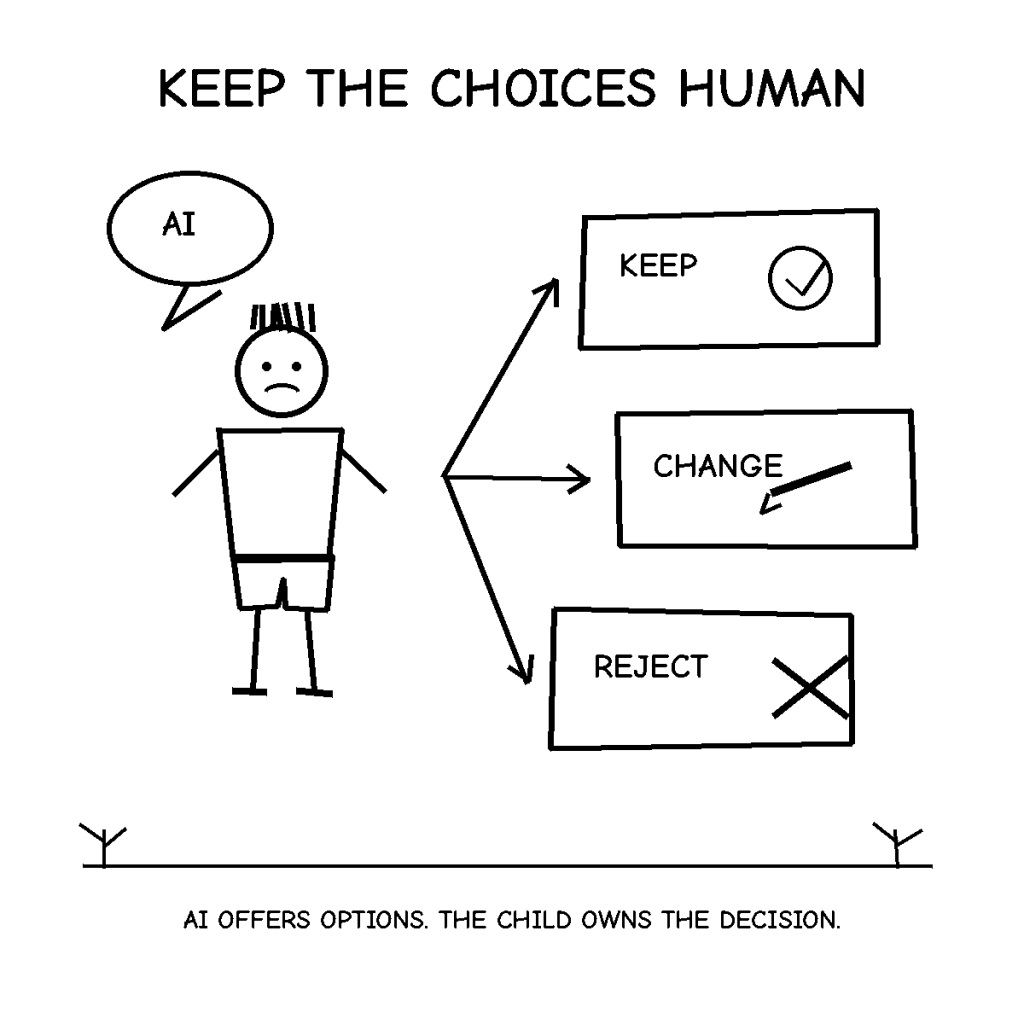
Then close the tool and let your child decide what to change. They can ignore a suggestion, choose a different ending or leave a funny sentence exactly as it is. Those decisions are part of writing, too.
For a younger child, you may not need AI at all. The same three questions can come from a parent, teacher or friend. The useful part is feedback that supports the child’s own choices.
Sometimes correcting less can teach more
There’s a trade-off here. Fixing every awkward sentence makes the finished page look stronger, but it can also remove the work the child needed to do. Leaving a beginner completely stuck isn’t helpful either.
A middle path is to choose one kind of feedback at a time. If today’s focus is the story, discuss the plot and characters before polishing every comma. If today’s focus is punctuation, work through one example and let the child try the rest. Follow the school’s AI-use rules, particularly for work being submitted as the child’s own.
Three questions before accepting an AI suggestion
- Can my child explain the change? If not, the rewrite may be doing too much.
- Does it still sound like something my child wanted to say? Unusual details can be a feature, not a bug.
- What choice did my child make? Accepting, rejecting or rewriting a suggestion should involve a reason they understand.
A finished story is only one outcome. The more interesting outcome is a child who feels able to choose a word, change a sentence and try a new ending.
If you use AI together for writing, start with “Ask us two questions about this story; don’t rewrite it.” The dragon might still lose its sock. At least the author gets to decide how it finds it.
For the wider family decision, see how I think about AI helping without doing a child’s thinking.


Leave a Reply