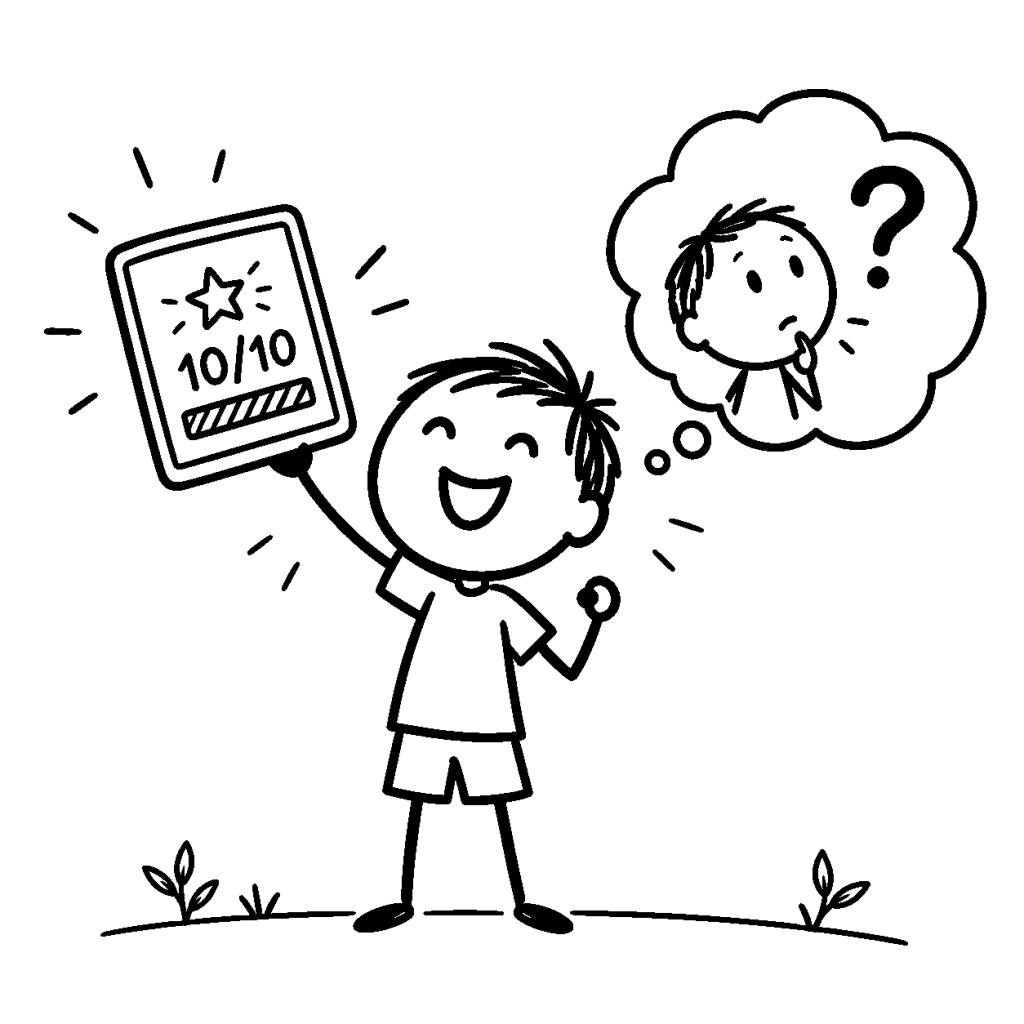
The learning app flashes 10/10. A progress bar reaches 100%. Your child is pleased, and you have a reasonable reason to be pleased too. But what, exactly, does the score tell you?
It tells you what happened inside the app. It does not necessarily tell you what your child could explain or try without it. That’s a more useful question than deciding whether the app is good or bad.
A perfect score can mean several different things
Imagine a hypothetical spelling game. One child remembers the words. Another recognises them from multiple-choice options. A third uses hints until every answer is correct. All three might finish the activity with the same score, even though they practised different skills.
That doesn’t make the game worthless. Hints, repetition and feedback can be helpful. The important distinction is between completing the app’s activity and being able to use the idea elsewhere.
The Education Endowment Foundation’s guidance on feedback emphasises identifying what a learner understands and helping them act on specific feedback. A celebratory score is pleasant; knowing the next useful step is more informative.
One small question can tell you more than the progress bar
You don’t need another assessment dashboard. After one lesson or game, pick a single gentle follow-up.
- Explain: “Show me how you worked that out.”
- Change: “What if I change one number, letter or detail?”
- Use: “Where else might we try this?”
For example, after a maths game about making ten, ask about eight plus two without showing the app’s choices. Or after a video about evaporation, ask why a wet shirt might dry outside. The point isn’t to catch a mistake. It’s to see whether the idea has travelled beyond the screen.
But a wrong answer isn’t proof the app failed
A child may be tired, unsure how to explain, or still at an early stage. A follow-up question is a conversation starter, not a diagnosis of learning. Offer a hint or a different example. Sometimes the app has provided useful first practice even when the child cannot yet do the task independently.
And sometimes a child wants to celebrate finishing a game without facing an oral examination immediately afterwards. Fair enough. We can save the question for another time.
Choose learning apps by what happens after the tap
Before calling an educational app a success, I would ask three practical things: What did my child practise? What feedback did they receive when they struggled? Is there an easy way to try the same idea away from the screen?
This is also one of the design questions behind the spelling game I built: variety should make practice more inviting without making the practice disappear.
A progress bar can be useful. It can encourage children to keep going. I just wouldn’t let it be the only definition of progress. Next time an app says “Completed,” try asking what your child can now do with the idea.


Leave a Reply