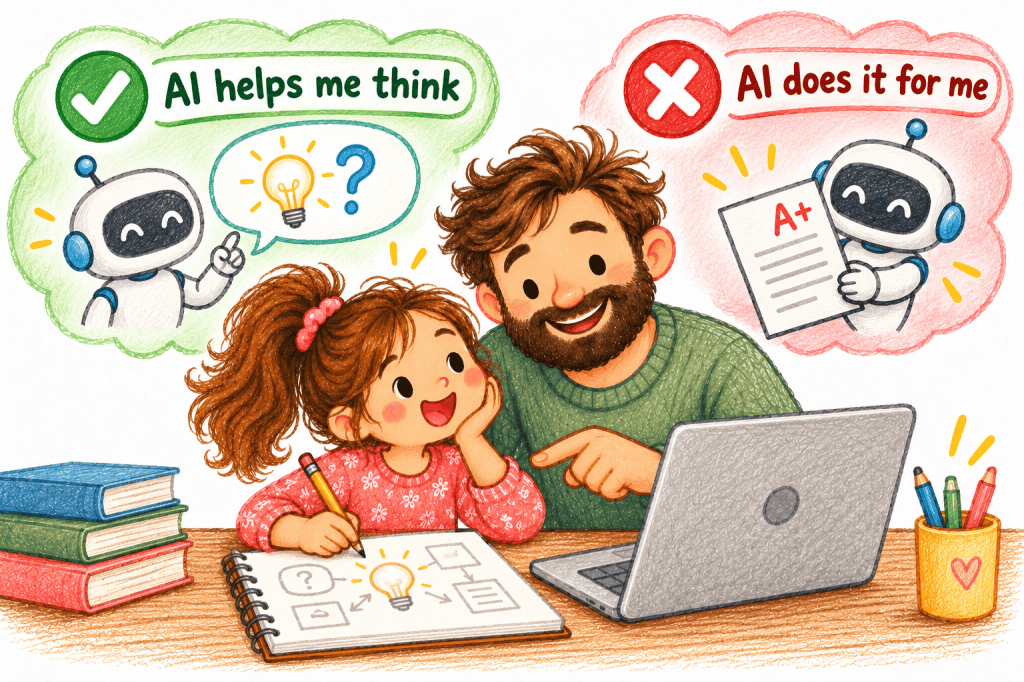
AI can explain a tricky maths idea, suggest ways to begin a story, or complete an entire worksheet.
All three might look like help. But they leave very different amounts of thinking for the child.
Start with one question: What is my child supposed to practise in this task? If AI is doing that part, we may need to change how it’s being used.
This is the Family AI Check for one real task. Use the five questions when your child wants AI to help with homework, maths or a story. For the bigger decision about children’s AI use, creativity, privacy and safety, read our parent guide.
First, check whether this AI use is appropriate
Age suitability and school rules: Is the tool suitable for your child’s age and permitted by its terms? Is AI allowed for this assignment?
Privacy: Would the child need to share their name, school details, private photos or other sensitive information? Avoid sharing those details.
Type of help: Is this ordinary learning support, or a sensitive situation involving safety, health or emotional distress where a trusted adult should take the lead?
If the tool or task fails one of these checks, answering yes to the learning questions below does not make the use suitable.
The five questions to ask before using AI
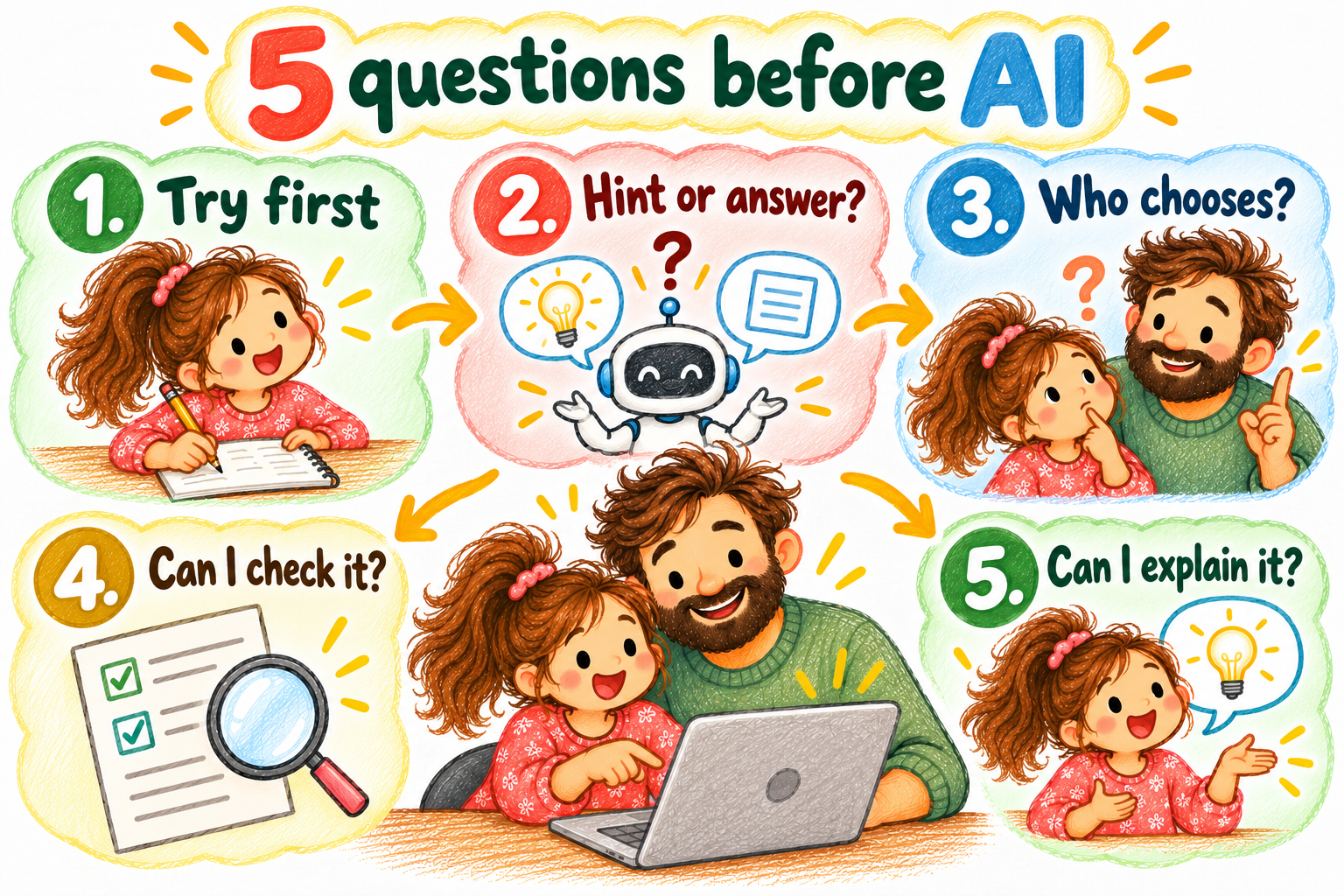
1. Has my child tried first?
A first attempt needn’t be correct. It might be a rough answer, drawing, prediction, a few sentences or simply explaining where they’re stuck. AI can then respond to the child’s thinking rather than replace the entire process.
2. Will AI explain—or complete the task?
There’s a difference between asking for a hint and asking for the finished answer. If the goal is to practise subtraction, having AI complete every problem may remove that practice. A similar worked example could be more useful.
3. Will my child still make meaningful choices?
For a story, that may mean choosing the characters, plot and ending. For a project, it may mean deciding what to investigate, which evidence matters and how to present it. AI can suggest possibilities, but the important choices should remain with the child.
4. Can my child check the result?
AI responses can be incorrect or misleading. Could your child compare the answer with a trusted source, test an example or ask an adult to help verify it rather than accept it unquestioningly?
5. Can my child explain it afterward?
Close the AI response. Ask for an explanation in the child’s own words or an attempt with a different example. This isn’t a formal learning assessment, but it may reveal a gap between receiving an answer and understanding it.
Take the five questions into real homework
The illustrated five-page playbook goes beyond the questions: exactly how to use AI before, during and after a task, three worked examples, practical parent scripts, common problems and a family agreement. Free, with no email gate.
Short on time? Download the one-page Family AI quick card (PDF) →
Don’t just count the yes answers. Look at the task.
These questions are conversation starters, not a scientific score or universal permission system. What matters is the activity, the child’s needs and which work the tool is doing.
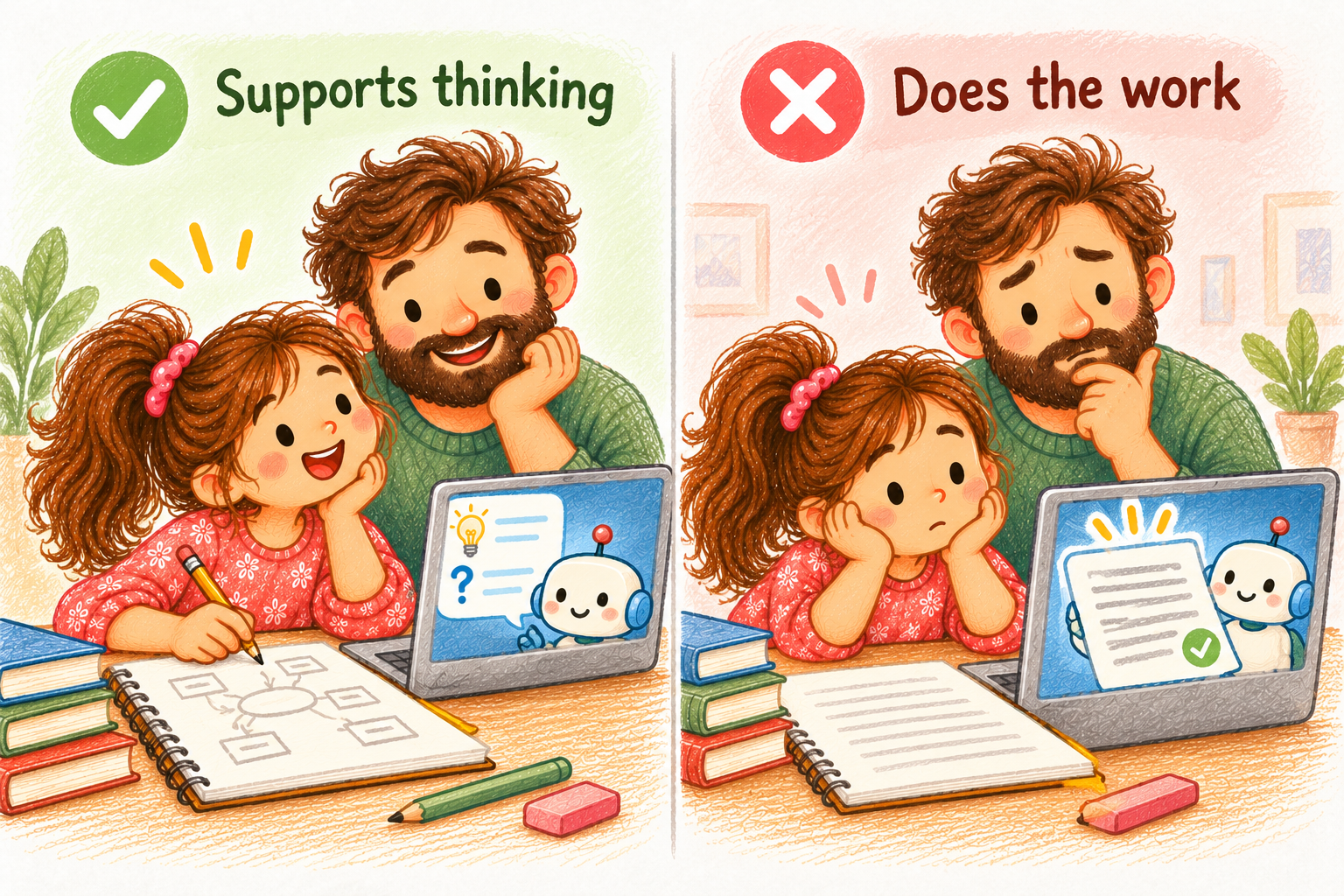
When AI supports the child’s work
If the child has tried, remains responsible for key decisions, and can check or explain the result, AI may be useful support. Keep the assistance focused on hints, explanations or feedback.
When AI is doing the important part
If the task is meant to practise spelling, writing or problem-solving and AI is producing the entire result, change the request. Ask for one hint, a similar example or feedback on the child’s own attempt.
When a child needs help before attempting
Trying independently first isn’t always realistic. An unfamiliar concept may require an explanation or worked example before a child can make a meaningful attempt. The goal is not unnecessary struggle; it’s enough support for the next step.
The same AI tool can help in one task and get in the way in another
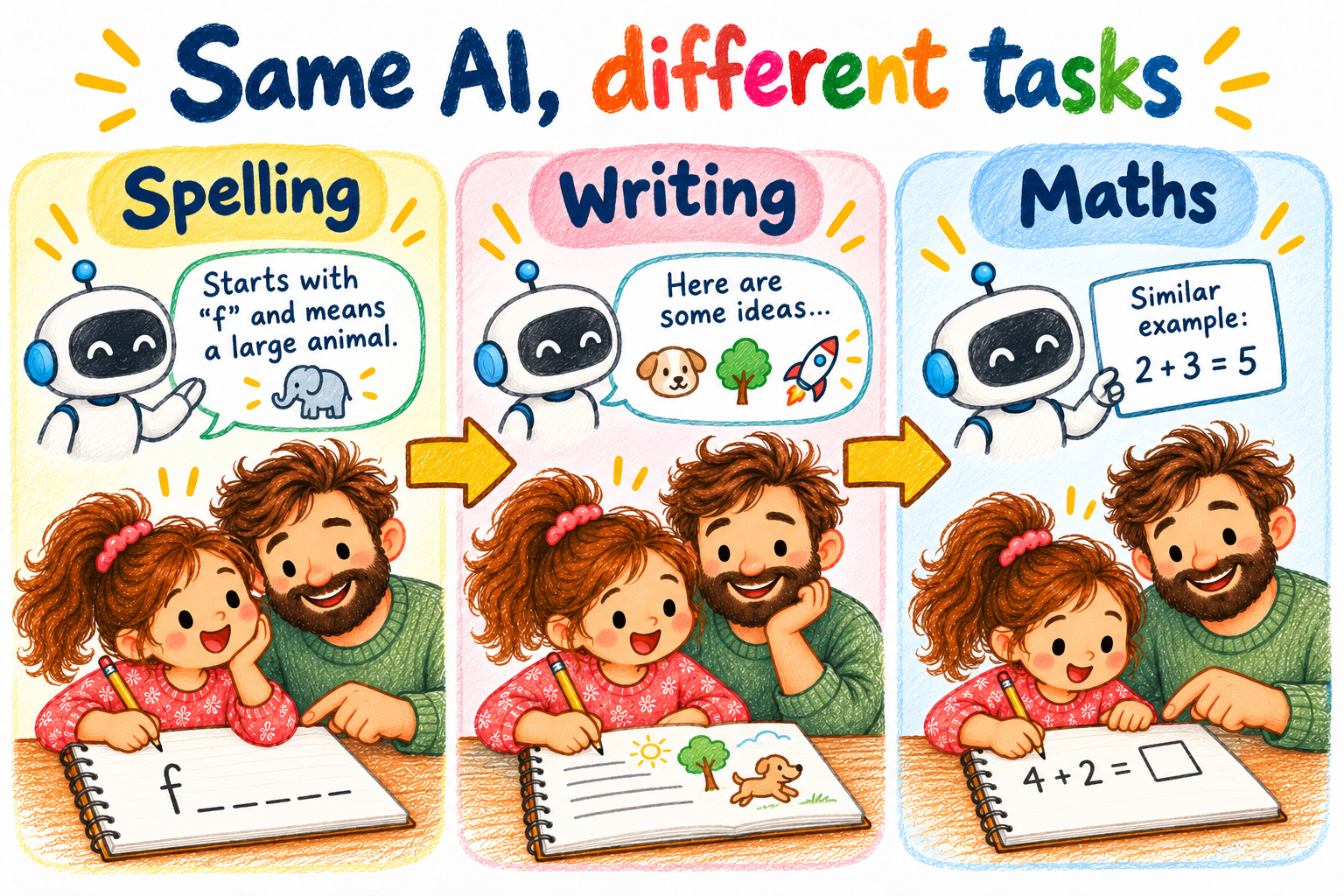
Spelling: Let your child attempt the word. If they struggle, offer a clue or another practice method instead of a completed answer list.
Creative writing: AI might suggest three situations. Let the child combine, reject or invent their own direction.
Maths: When independent practice is the goal, try the problem first. When help is appropriate, ask AI to demonstrate a similar example and return to the original.
Three prompts that leave the thinking with your child
For a hint: “Give me one hint without giving me the answer.”
For reasoning: “Ask me questions that help me find the weak part of my reasoning.”
For feedback: “Review my first attempt and suggest one thing I should improve myself.”
These prompts don’t guarantee good responses. Stay involved, verify important information and adapt the help to the child’s age and needs.
One final check: What can they do without the AI?
When the activity is finished, ask what your child worked out themselves, what AI helped them understand, or whether they can try a different example.
You don’t need a perfect explanation. Look for signs the child is developing their own understanding and judgment.
The goal isn’t to catch children using AI incorrectly. It’s to help them recognise when a tool supports their thinking—and when it’s quietly taking over.
Read the complete parent guide → · Explore Start Here →
Get useful ideas from DadIdeaLab
Join DadIdeaLab for honest parenting experiments, learning ideas and occasional tools you can try with your family. You can download the free five-question AI family card above without subscribing.
Check your inbox and confirm your subscription to receive future DadIdeaLab updates.

