The note you need is always behind another window. The timer disappears just when you want to check it.
Toplet is a small macOS utility that keeps useful things—notes, clocks, timers, images and checklists—floating above your other apps while you work. Keep information in sight without turning it into another full-size window.
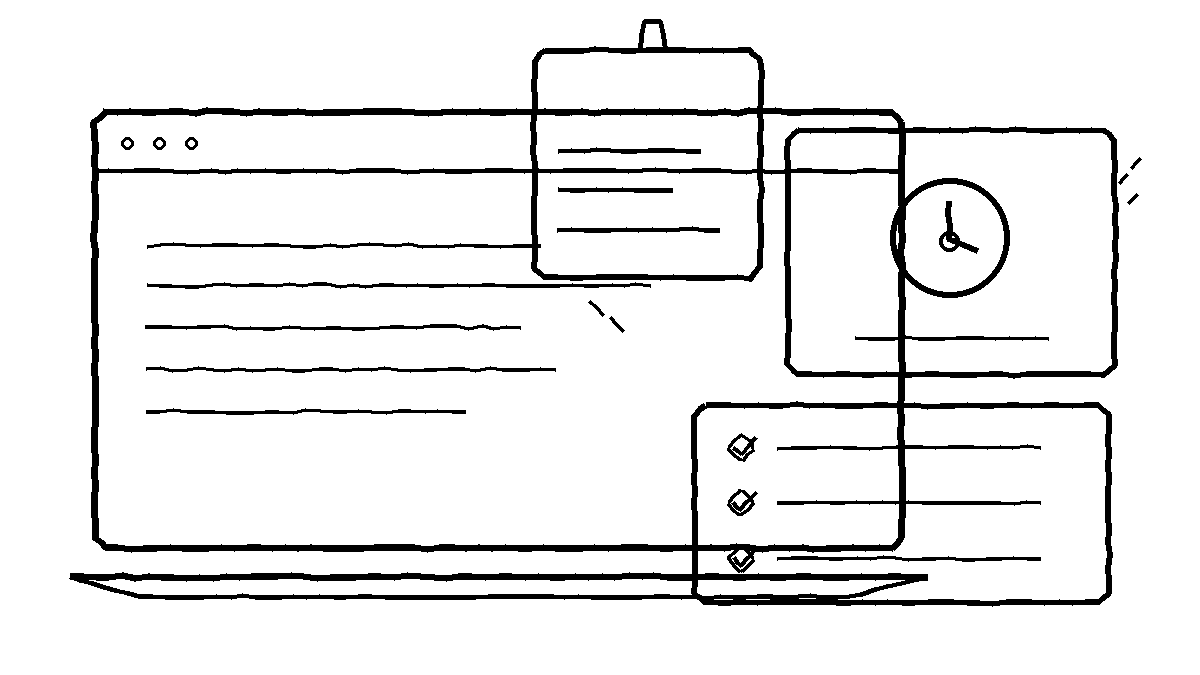
What would you keep visible?
A reference note: Keep a short checklist, code snippet or reminder close to the work you’re doing.
A timer: See a countdown without switching back to a separate timer app.
An image: Keep a local image visible as a reference while using another app.
These are examples of the small interruptions Toplet is meant to reduce—not claims that it changes how your other apps work.
Nine Toplet types, one simple idea
- Text — a note, reminder or reference.
- Rotating Text — cycle through several messages.
- Image — display a copy of an image stored locally.
- Analog Clock — see time on a familiar dial.
- Digital Clock — read time at a glance.
- Checkbox — a lightweight checklist.
- Timer — a visible countdown.
- Stopwatch — track elapsed time.
- Date Countdown — keep an upcoming date in sight.
Keep it visible without getting in the way
Move and resize Toplets, adjust their appearance and opacity, or lock them so clicks pass through to the app underneath. Manage locked or hidden Toplets from the menu bar.
Show or hide all Toplets together. If you change displays, use the option to bring them back on screen.
Start with one Toplet for free
The free version lets you save one Toplet of any type, with full customization. Toplet Pro unlocks unlimited Toplets for a one-time purchase of $4.99 USD. There is no subscription; local prices vary by App Store storefront.
Built to stay local on your Mac
Toplet supports macOS 14 and later. Optional local completion notifications and Launch at Login help it fit into your workflow.
Toplet content and imported image copies are stored locally on your Mac. The app does not require an account and has no advertising, analytics or developer-operated cloud synchronization.
Mac App Store release
Toplet is preparing for its first Mac App Store release. The download link will be added here when it’s available.
Toplet support and quick start → · Read the privacy policy →

